Android app
Pomodoro Tracker
Focus. Break. Repeat. Track your progress.
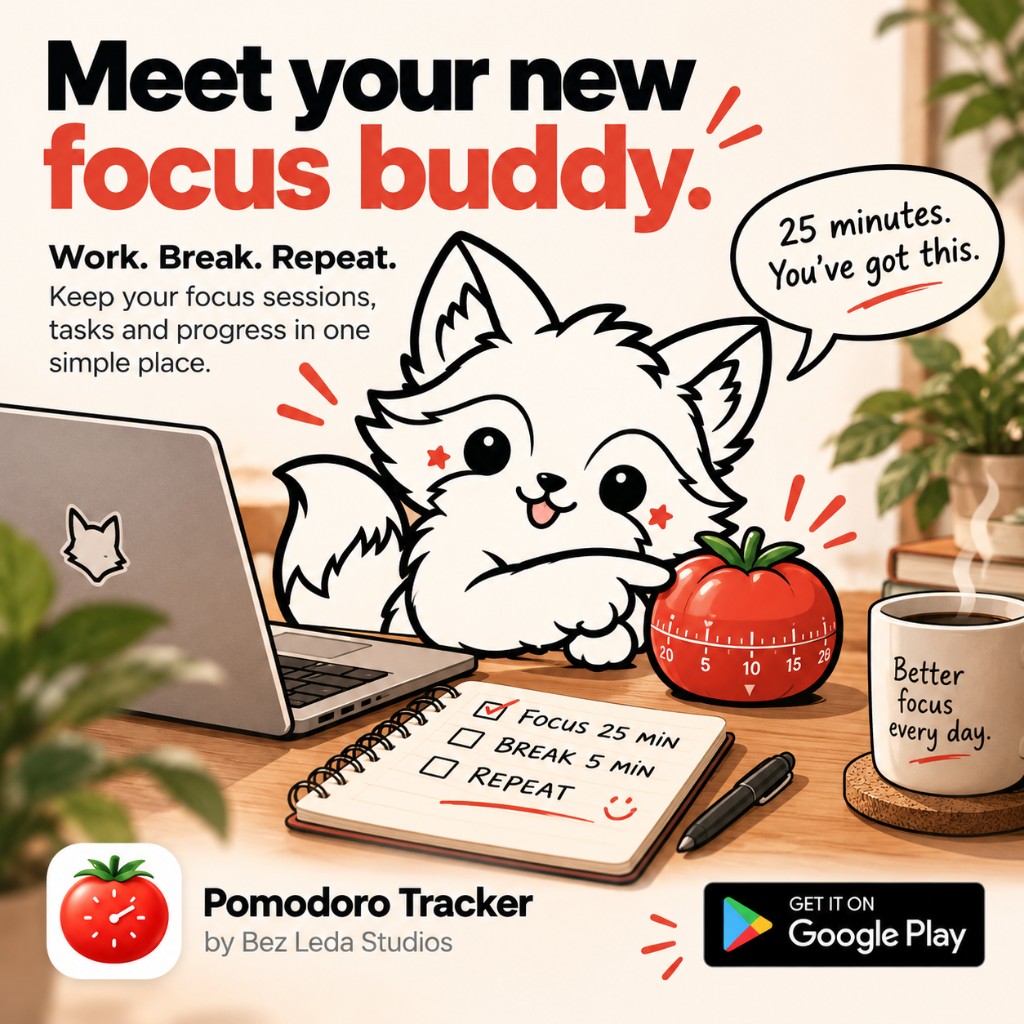
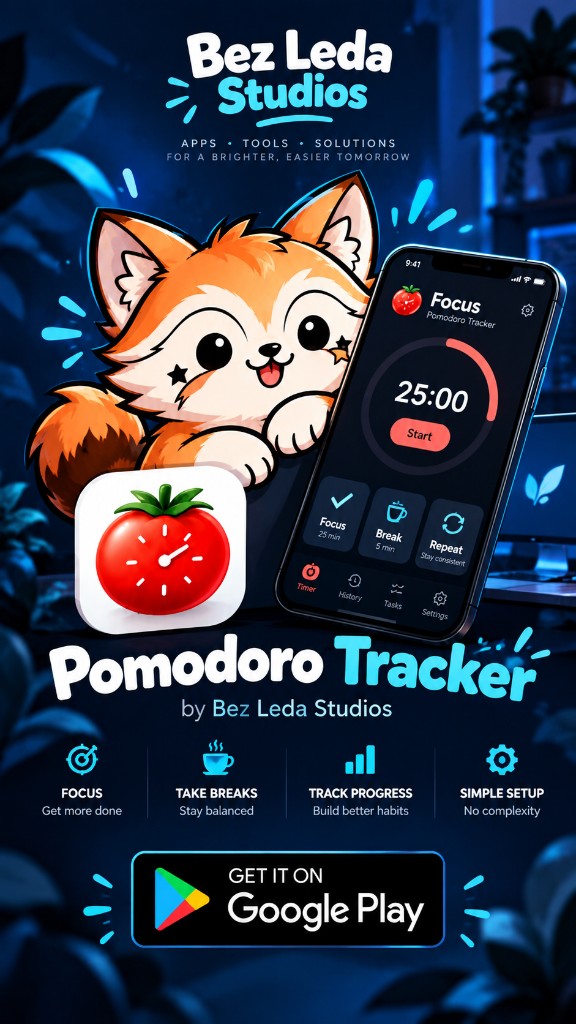
Pomodoro Tracker is a simple Android focus timer for work, study and deep-focus sessions.
Start a session, stay focused, take a break and keep track of how much focused work you actually complete.
Get it on Google Play (opens in a new tab) How Pomodoro works
What it is
Pomodoro Tracker is a focused productivity timer for people who want to work, study and concentrate in manageable sessions. It is built around the Pomodoro Technique, and the experience stays simple enough to start without setting up a larger system first.
It fits ordinary focused work, including:
- studying
- programming
- writing
- remote work
- freelance work
- design
- office work
- exam preparation
- other focused work
You do not have to configure an elaborate productivity system before you can start working.
What it does
-
Focus timer
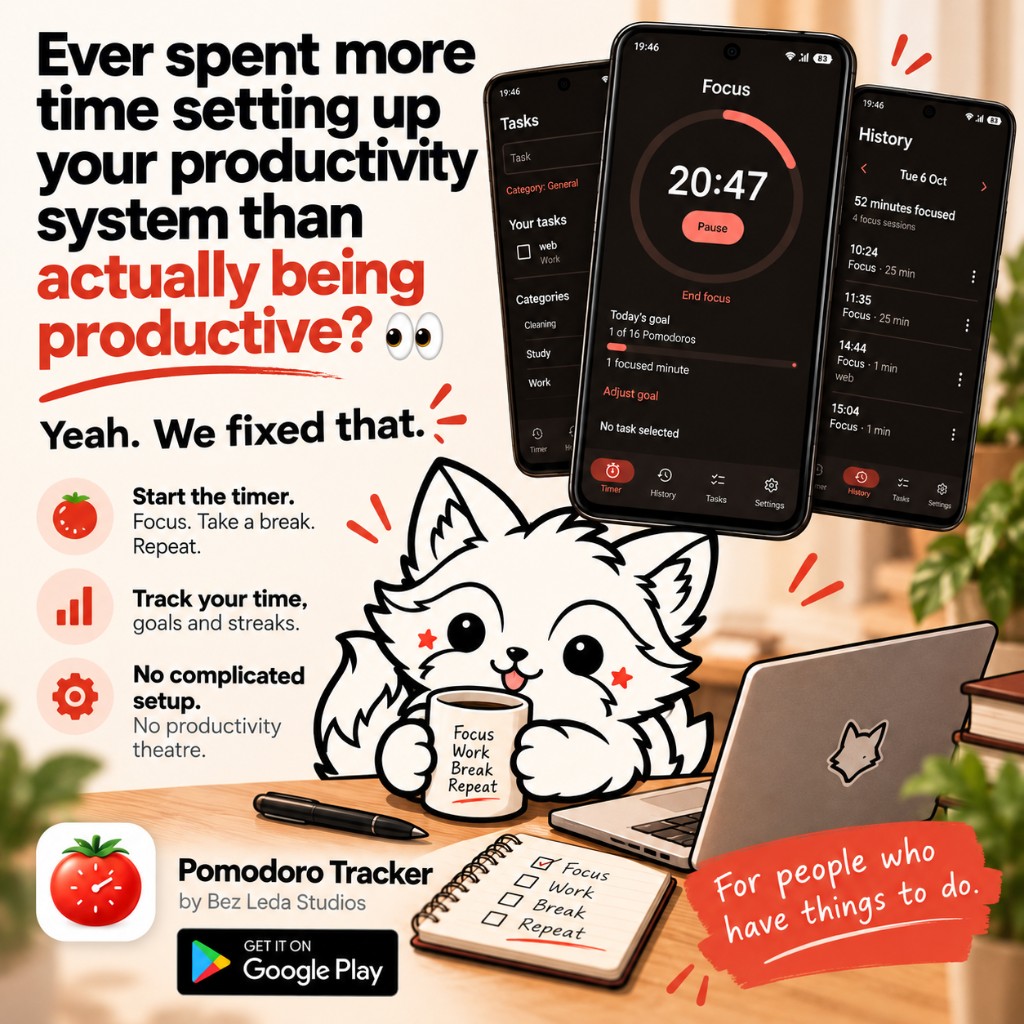
A Pomodoro timer for a single stretch of focused work.
-
Focus, short break, long break
Sessions cover focused work, a short break, and a longer break.
-
Custom durations
Change the length of focus, short breaks, and long breaks.
-
Cycle tracking
The app follows the Pomodoro cycle as you complete sessions.
-
Session notifications
A notification when a session is complete.
-
Day, week, and month
Focus statistics for the day, the week, and the month.
-
Completed work
A record of completed Pomodoros and total focus time.
-
Categories and tasks
Optional labels for organising work. The timer does not require them.
-
Daily goals
A productivity goal for the day.
-
Streaks and progress
Focus streaks, plus a view of how the work is adding up.
-
Light and dark themes
Switch the appearance of the app.
-
No account
You can use it without creating an account.
-
Offline core
The core timer and tracking features work offline.
Focus your way
A common Pomodoro pattern is a period of focused work followed by a short break. Pomodoro Tracker starts from sensible defaults and lets you change:
- focus duration
- short break duration
- long break duration
- how many sessions happen before a long break
You can start the timer on its own. Categories and tasks are there if you want to organise the work, not as a step you have to finish first.
Track your progress
Finished focus sessions go into a history you can look back on. The app can show:
- focus completed today
- weekly progress
- longer-term progress
- completed Pomodoros
- total focus time
- productivity goals
- streaks
That is a record of the sessions you completed. It is not a claim that the timer will make the work itself easier.
Built for real work
Pomodoro Tracker is for the same kind of focused work the rest of GetToWork is about: hours, rates, and days that have to finish. It is designed for:
- Remote workers
- Developers
- Students
- Freelancers
- Writers
- Designers
- Office workers
- People studying for exams
- Anyone who uses focused work sessions or time-boxing
Simple by design
You should not need to configure a project-management system before starting a timer.
Open the app, start a focus session and get to work. The timer stays at the centre. Organisation and tracking are there when you want them.
What is the Pomodoro Technique?
The basic workflow is short and repeatable:
- Choose something to work on.
- Focus for a set period.
- Take a short break.
- Repeat.
- Take a longer break after several focus sessions.
Pomodoro Tracker follows that sequence and lets you change the session lengths. No single timing is treated as the right one for every job.
Account and offline use
- No account is required.
- The core timer works offline.
- Core tracking works offline.
Prefer planning before starting?
These pages on GetToWork do the arithmetic. They do not run a timer.
Ready to focus?
Start a session, put distractions aside and get to work.
Get Pomodoro Tracker on Google Play (opens in a new tab)
Developed by Bez Leda Studios.